Integrations
Connect PlayableLabs with ClickUp, webhooks, and other external tools for streamlined workflows
Overview
PlayableLabs integrates with external project management and communication tools to keep your team in sync. Manage integrations from Settings > Integrations.
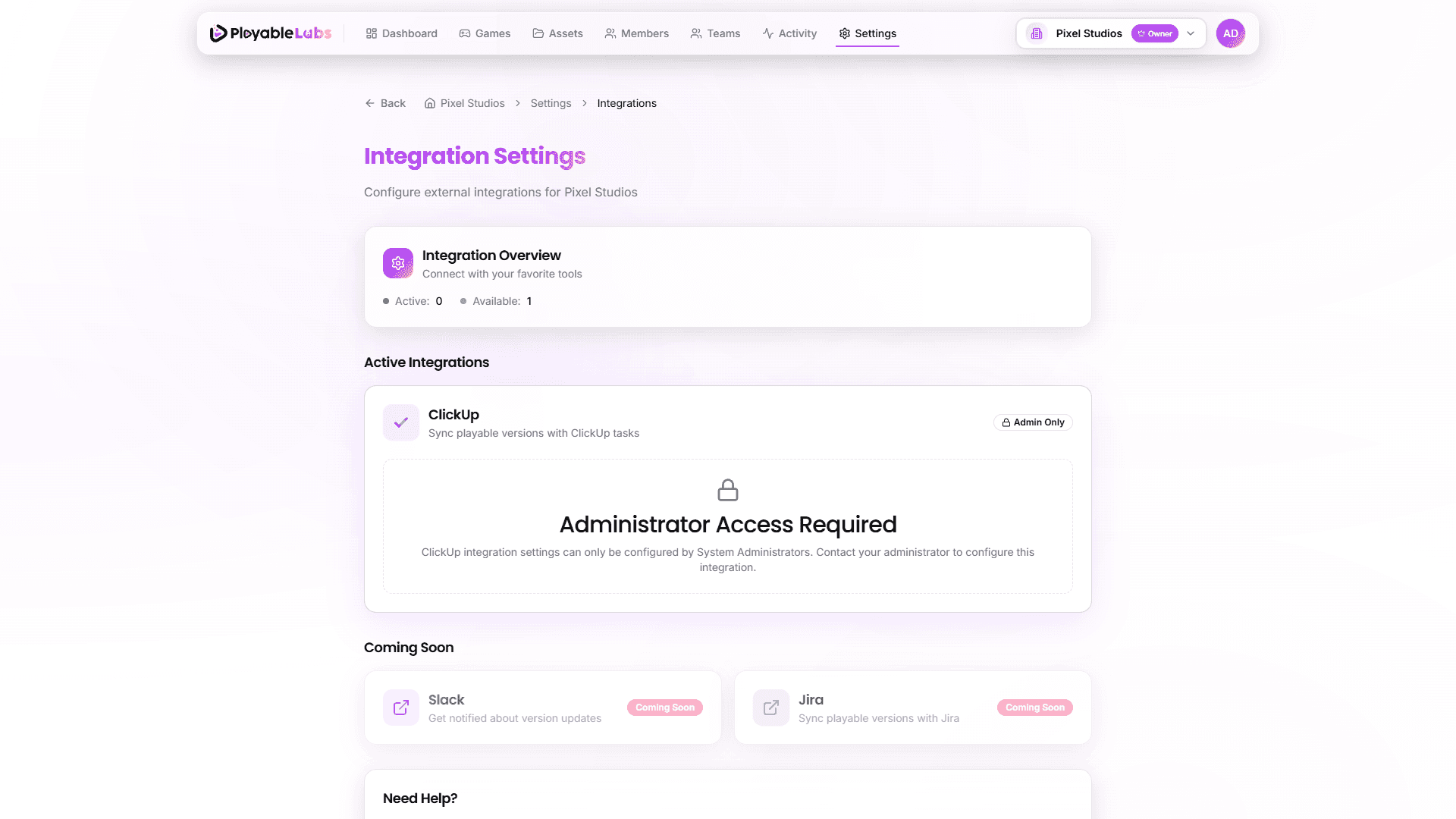
ClickUp Integration
System Admin Only. ClickUp integration can only be configured by system administrators. Non-admin users will see a locked interface on the integrations page.
PlayableLabs connects to ClickUp for internal bug tracking and notification workflows. This integration is managed by system administrators.
How It Works
The ClickUp integration is configured at the system level by administrators:
- An admin provides a ClickUp API token in the admin panel
- The system maps PlayableLabs events to ClickUp task updates
- Notifications are sent to linked Discord channels for team visibility
Note: This integration is available to system administrators only and is not configurable from the organization settings page.
Capabilities
| Feature | Description |
|---|---|
| Bug tracking | Link platform issues to ClickUp tasks |
| Status sync | Update task status based on platform events |
| Discord alerts | Send notifications to Discord channels for errors and new user signups |
Webhook System
Webhooks allow external systems to receive real-time notifications when events occur in PlayableLabs.
Current Status
The webhook system is currently in development. Planned webhook events include:
game.created/game.updated/game.deletedexport.completed/export.failedasset.uploaded/asset.deletedteam.member.added/team.member.removed
Planned Features
- Custom webhook URLs per event type
- HMAC signature verification for payload authenticity
- Retry logic with exponential backoff
- Webhook delivery logs and debugging tools
Webhooks will be available in a future release. Check the development roadmap for updates.
Future Integrations
The following integrations are planned:
We're exploring integrations with Slack for activity notifications and Jira for task tracking.
Next Steps
- Manage API tokens for programmatic access
- View the API overview for building custom integrations